
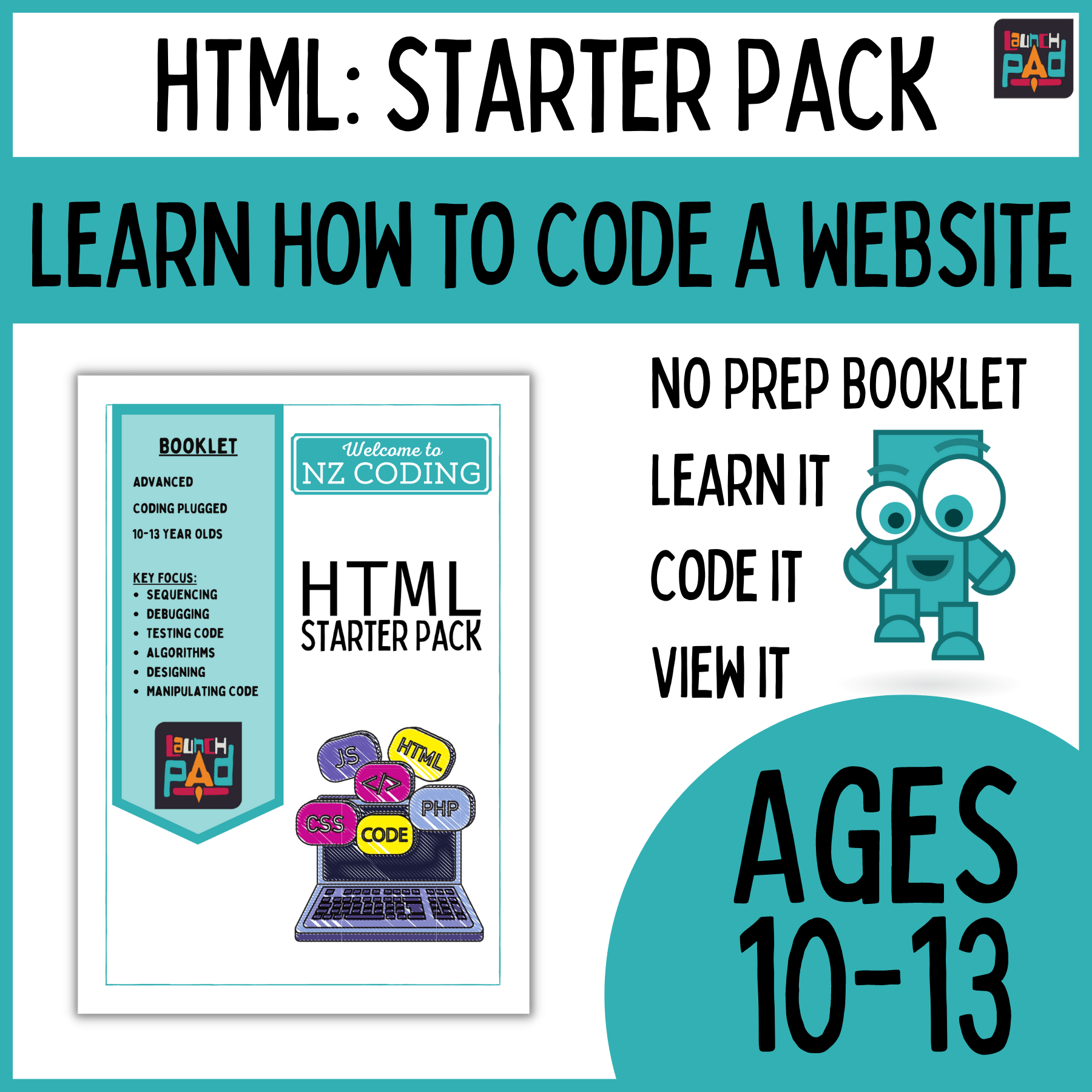
HTML Starter Pack
Years: 5-10
Progress Outcomes: CT Progress Outcome 1 | DDO Progress Outcome 1
Coding Context: Website Design | HTML Language
This resource is the perfect way to introduce website coding to students. Follow the PBL booklet and learn what HTML coding is and how it can be used to design and layout a website.
About this resource
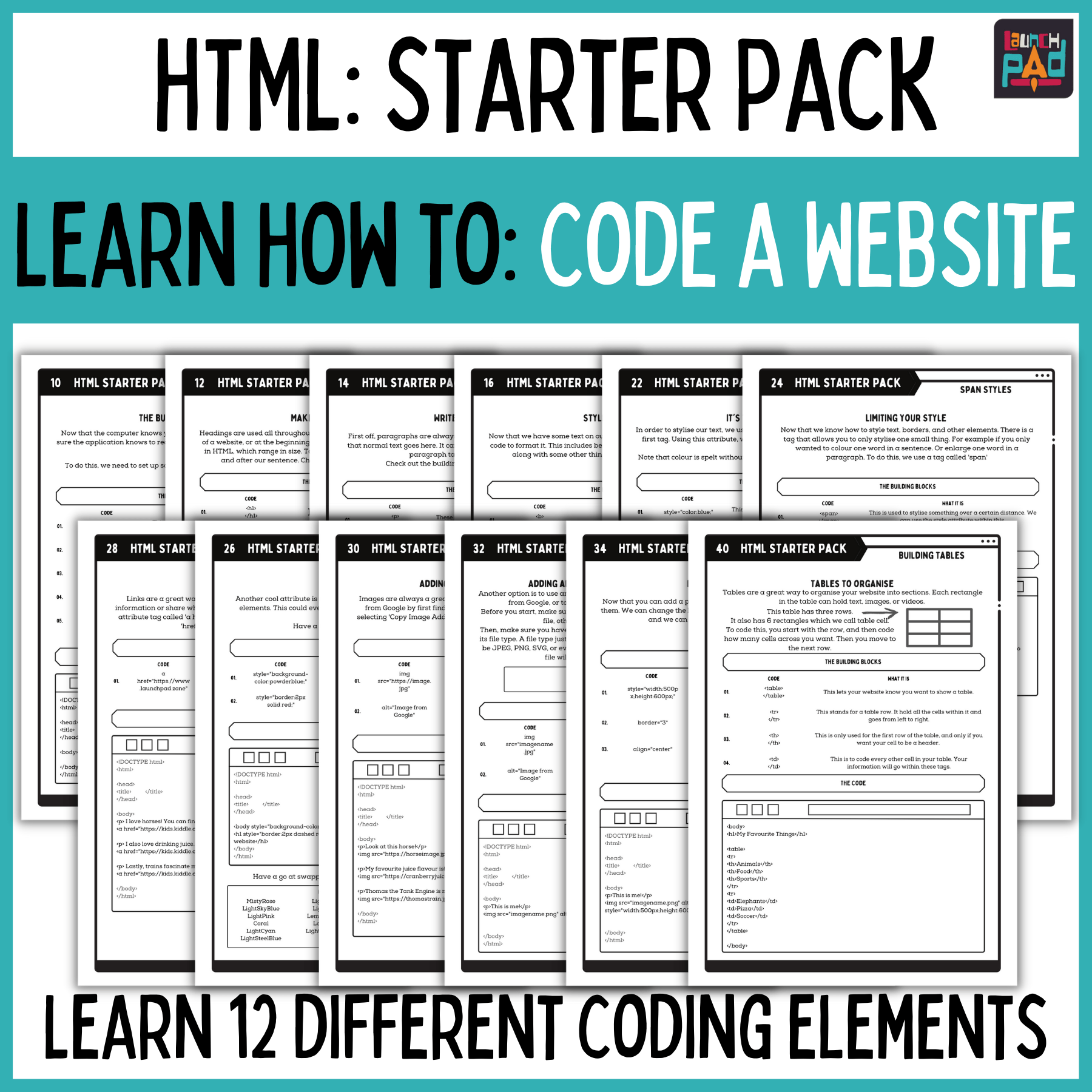
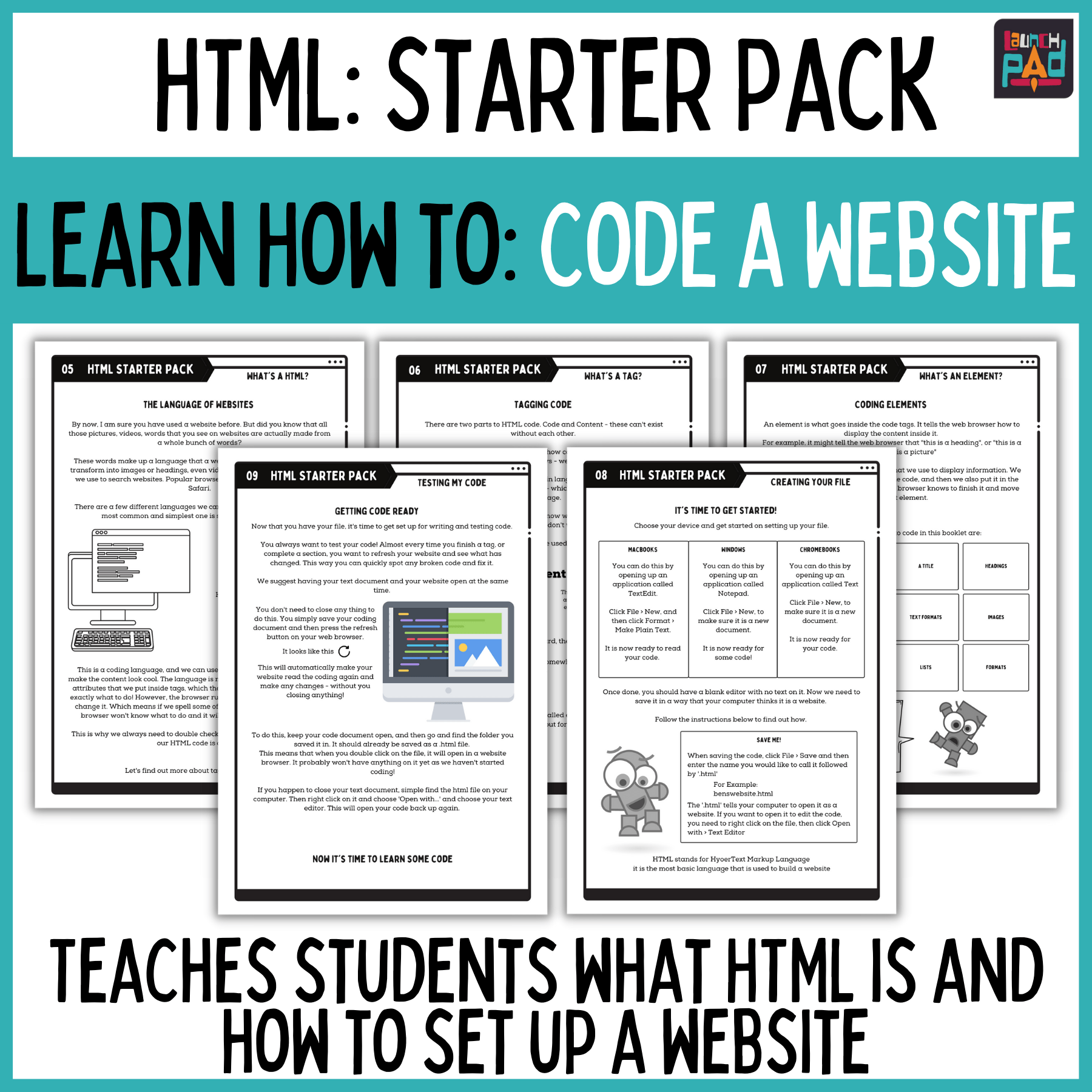
A No Prep booklet that teaches your students basic website coding.
Coding can be a tricky thing to teach. Especially when you don’t know much about it. Because of this, a lot of teachers use block coding based programs to teach coding, as the drag and drop feature makes it easier to follow and understand. This is great, but it doesn’t incorporate or teach written code.
Our aim with this resource is to be the next step up from block coding. A no prep way of introducing written code with primary and intermediate aged students.
HTML is a coding language used to create websites. It is a relatively small and easy language to learn – which makes it a great place for kids to start learning written code. Although there are a lot of other programming languages out there, HTML plays a small role in most of them. Where the internet exists, so does HTML.
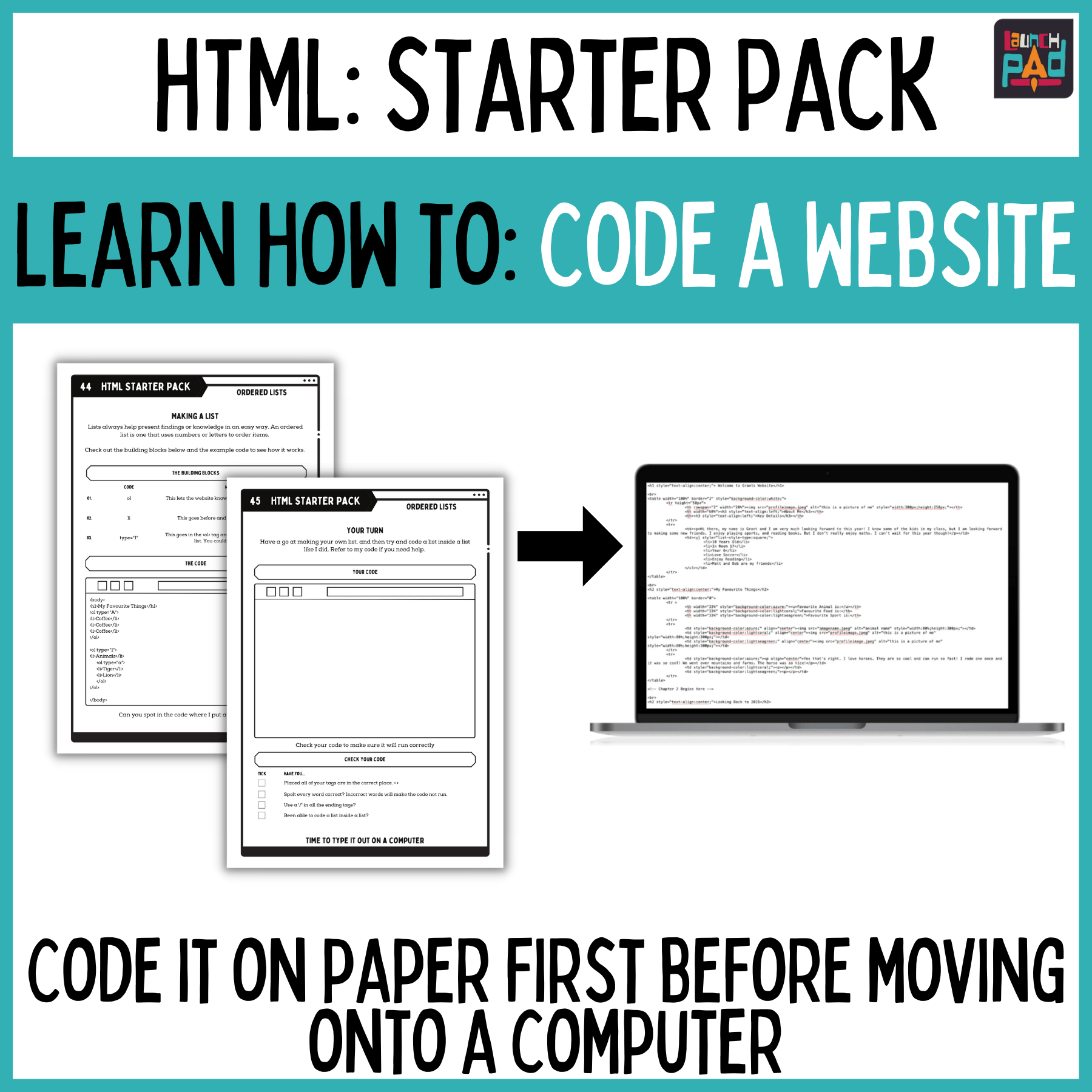
This resource is designed to be printed as a booklet, although you are able to print it as individual tasks. It is designed so that students discover what the code is, view it in its written form, practice writing it on their own, and then code it on a computer. By the end of the resource, students will have an understanding of how to create, code, and view a website. They will not have made a specific website about a topic, instead they will be challenged at the end to use their new found knowledge to create a website. This cold be about an animal, or publishing a piece of writing.
Progress Outcomes Covered
We’ve designed this project to cover a large portion of the Digital Curriculum. Specifically looking at Progress Outcome 1 of Computational Thinking. Students will be given opportunities to look at what an algorithm is, and how to use it to find the most efficient way of doing something. They will be able to test their algorithm and correct where they have gone wrong. This brings in the concept of debugging.
This project is the perfect way to introduce coding before exposing children to a programmable environment.
Assessing Your Students
Year 5
- Set 5.1: I can create a written algorithm using symbols and words.
- Set 5.3: I can put my algorithm in a programming environment.
- Set 5.4: I can test my algorithm in a programming environment.
- Set 5.6: I can add to the algorithm in my programming environment.
- Set 5.7: I understand that computers need clear and precise instructions.
- Set 5.10: I understand that applications are made for a purpose.
- Set 5.11: I understand that there are different types of files and they each have a purpose.
- Set 5.12: I can import files into an editing program.
Year 6
- Set 6.2: I can communicate my algorithm correctly when testing it.
- Set 6.3: I can debug a variety of bugs in a programming environment.
- Set 6.5: I understand that when I follow an algorithm I get an output.
- Set 6.9: I can use applications to create.
- Set 6.10: I can use applications to manipulate
- Set 6.12: I can use applications to share.
Linked Courses
Discover courses that cover this resource
There are no current courses
Disclaimer
Everything included in this resource is licensed for a single classroom or family use. It may be photocopied by the original purchaser for his or her classroom only. It may not be put on the internet, sold, or redistributed in any form. If you would like to share this product with your colleagues or friends, please honour the time and energy put into it by purchasing multiple licenses through the avenue you purchased it.
Copying any part of this resource and placing it on the internet is strictly forbidden. This is a violation of the Digital Millennium Copyright Act. Thank you for respecting the copyright.
Reviews
There are no reviews yet.